
Card scanner app
Scan a Pokémon card and see what it’s worth
Point your phone at a card. PokeTrade names it, shows today’s market value and lets you add it to a binder or list it for sale.
How it works
From camera to binder in three steps
Point the camera
On most phones the live scanner names the card as soon as it is in the frame. There is nothing to tap.
Or tap the shutter
If the live scanner is not sure it waits instead of guessing. Take a photo and the app reads the card for you.
Check it, then keep it
You see the card, its set and number and its market value. Add it to a binder, a list or your wishlist, or list it for sale.
Scans per month
How many scans do I get?
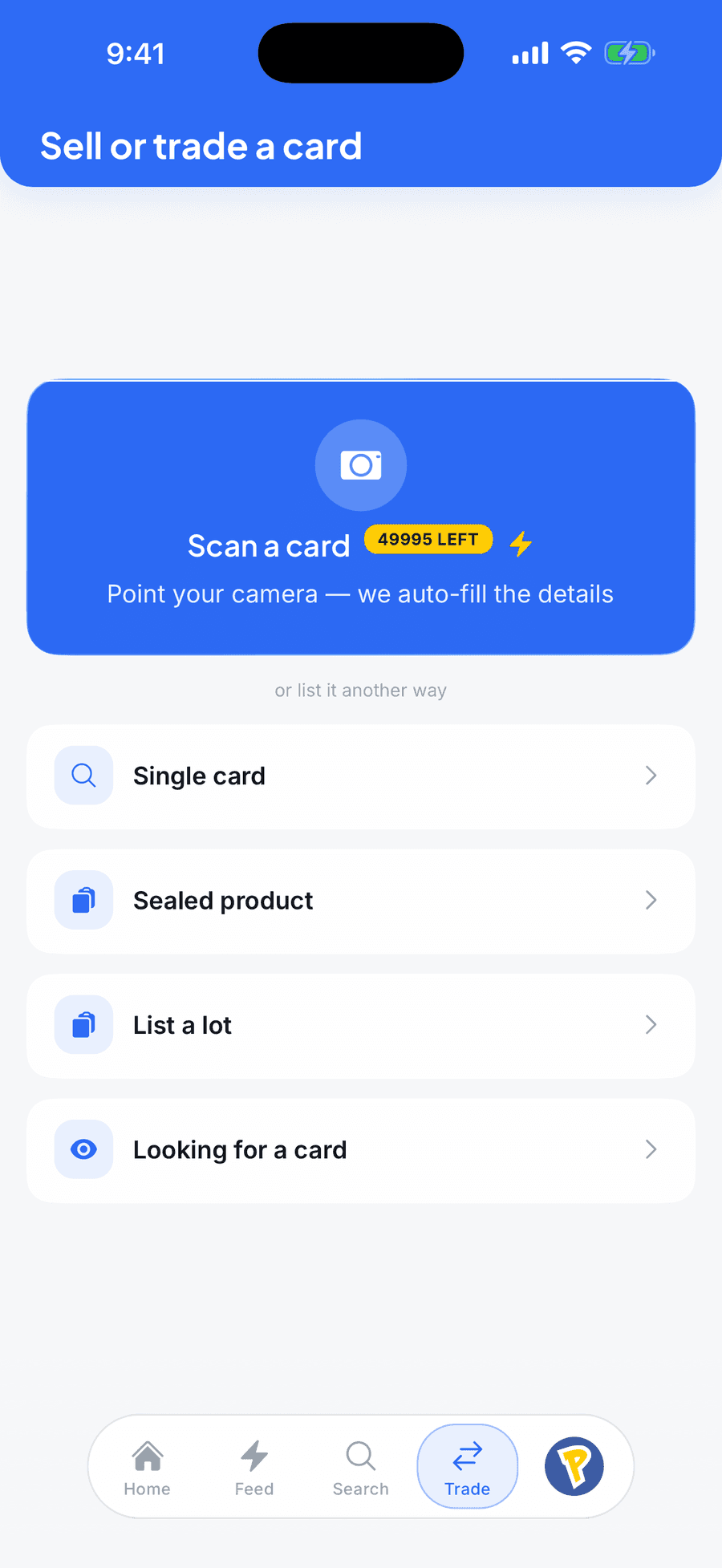
Every plan includes scans. The number resets each calendar month and the app shows how many you have left at the top of the scanner.
Free
100 a month
Premium
5,000 a month
Pro
Unlimited for normal use (fair use)
New accounts start with 7 days of Premium, at 1,000 scans a month. Scanning the same card twice in one session counts once, and removing a card you just scanned gives the scan back.
Good to know
What the scanner does and doesn’t do
English and Japanese cards
It recognises cards from the PokeTrade catalog in both languages. A very new card may not be known to the live scanner until the app updates; the photo scan still finds it.
Reprints with the same art
Some prints share their artwork. When the app can’t tell which one you hold, it asks you to pick the version.
Works without a connection
The live scanner names cards on your phone. Saving a scan to your account needs internet, and a card scanned offline is saved when you are back online. Photo scans need a connection to be read.
On slower phones
Live recognition needs a reasonably fast phone. On slower ones the app uses the shutter button instead and scans a photo.
FAQ
Questions people ask
Is the Pokémon card scanner free?
Yes. Every account includes 100 scans a month. Premium raises that to 5,000 a month, and Pro is unlimited for normal use (fair use applies). The app shows your remaining scans at the top of the scanner.
How accurate is the scanner?
Most cards are recognised straight away. When the scanner isn’t sure it shows nothing rather than guess, and when a card has reprints with the same art, the app asks which version you have. You can always mark a result as the wrong card or search for the card by hand.
Does it need an internet connection?
The live scanner names cards on your phone without internet. Saving a scan to your account needs a connection, and a card scanned offline is saved when you are back online. Photo scans are read online.
Which cards can it scan?
English and Japanese Pokémon cards in the PokeTrade catalog. Very new cards can be missing from the live scanner until the next app update; the photo scan still finds them.
Does scanning the same card twice use two scans?
No. In one scanning session a card counts once, and if you remove a card you just scanned, the scan is given back.
Does it work on my phone?
The scanner is in the PokeTrade app for iOS and Android. Live recognition needs a reasonably fast phone; on slower ones the app switches to the shutter button and scans a photo instead.
Scan your first card
Download the free app, open the Trade tab and tap Scan a card.